Are your Flipkart shipping labels downloading with huge white empty spaces, making them too big to print on standard 4x6 labels? Here is how to easily crop them in seconds.
The one-click fix is our free Flipkart label crop tool: upload the oversized A4 PDF and it trims the empty space to a perfect 4x6 thermal label.
The Flipkart Label Dimension Dilemma
Every seller on Flipkart Seller Hub has faced this: you download your shipping labels (Ekart or delivery slips), and instead of a clean, compact label, you get a full A4-sized PDF page. The label itself is often off-center or has a massive empty blank area at the bottom.
If you try to print this A4 PDF directly onto your 4x6 thermal printer:
- The printer scales down the entire page, making the text and barcode tiny and unreadable.
- The return address or Ekart barcode runs off the edges of the label.
- You waste hours of manual cutting, trimming, and taping regular paper.
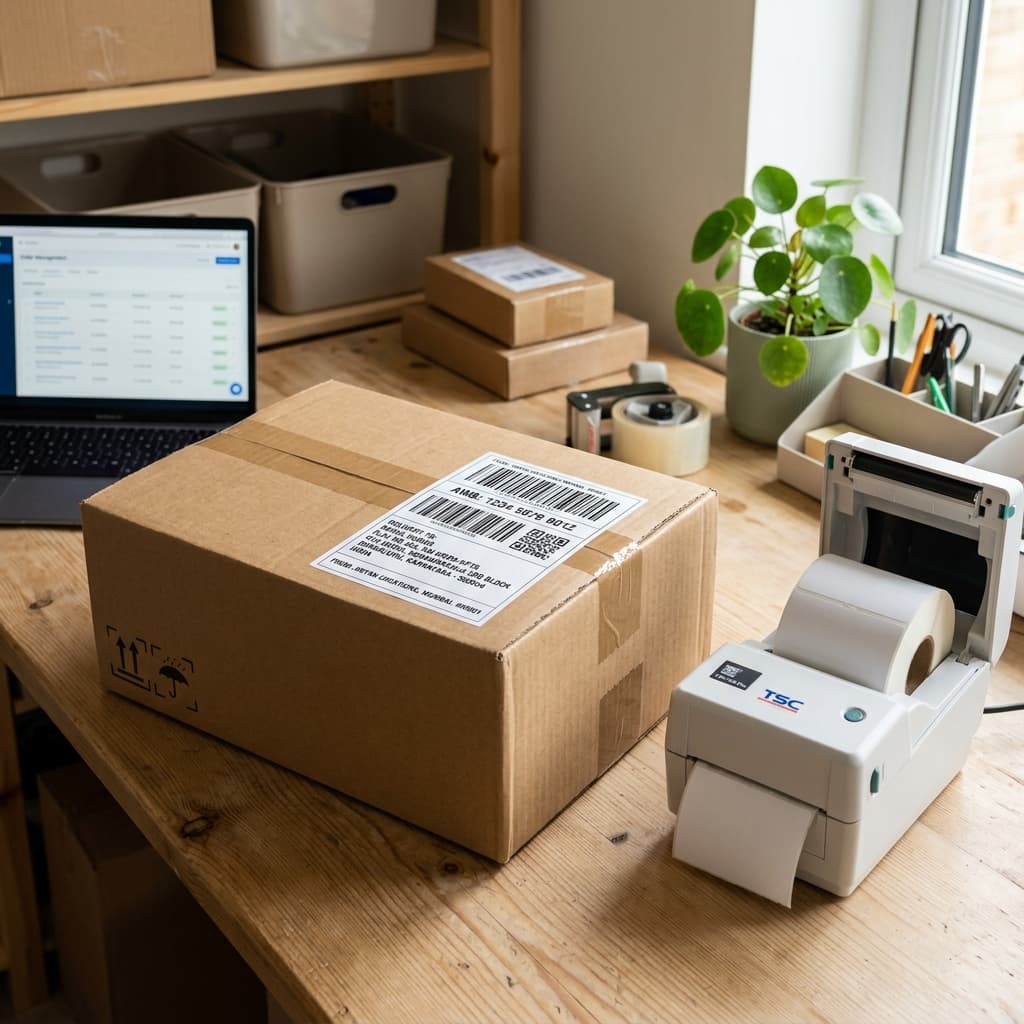
To fix this, you need a way to strip out the empty space and crop the label to the perfect 4x6 dimension.
Why Adjusting Printer Settings Doesn't Solve It
Many sellers waste hours tweaking their printer settings:
- Selecting "Fit to Page": This shrinks the barcode, causing Ekart logistics pickup executives to reject the parcel because their scanners can't read it.
- Changing Orientation to Landscape: This cuts off the address and customer phone number.
- Custom Margins: Tweak margins for one label, and the next one prints incorrectly because Flipkart uses slightly different spacing for single-item and multi-item orders.
The solution isn't in your printer settings. The solution is formatting the PDF document before sending it to the printer.
The Solution: Crop Flipkart Labels Instantly with Q Crop Label
A dedicated, free tool like Q Crop Label automatically removes all blank spaces and crops the label section of the PDF into a clean 4x6 layout.
Step-by-Step Guide to Cropping Flipkart Labels:
- Download Shipping Labels: Go to Flipkart Seller Hub > Shipments, and download your pending shipping label PDFs.
- Go to Q Crop Label: Open Q Crop Label in your browser.
- Upload Your PDF: Drag and drop your Flipkart PDF file into the upload box.
- Select Flipkart Platform: Choose "Flipkart" so the tool applies the specific layout rules for Flipkart labels.
- Crop and Print: Click "Crop Label" and download the cropped file. Open it and print at 100% scale.
Benefits of Cropping Flipkart Labels
- Faster Shipments: Avoid pickup rejections due to blurry, shrunken barcodes.
- Save Money on Thermal Paper: No more trial-and-error labels wasted.
- Professional Presentation: Deliver a clean, crisp, professional-looking package that builds customer trust.
Stop wasting thermal labels and start scaling your Flipkart dispatch process today!
About Q Crop Label
Q Crop Label helps 100,000+ Indian e-commerce sellers optimize their shipping workflow. We write about thermal printing, label management, and practical tips to help Amazon, Meesho, and Flipkart sellers save time and money on every order.