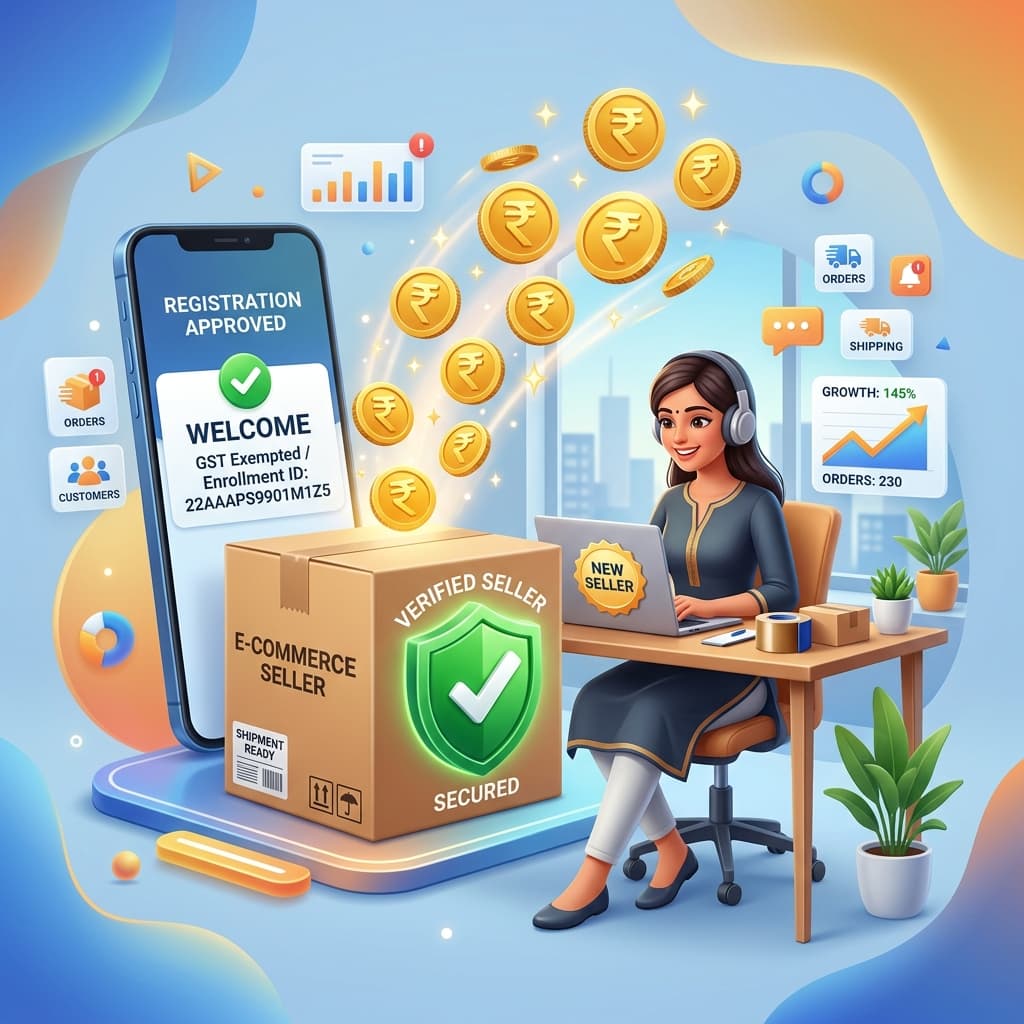
Are you a home entrepreneur, small reseller, or hobbyist wanting to sell on Meesho but holding back because you don’t have a GSTIN? Discover how you can easily register and start selling on Meesho using a GST Enrollment ID under the new e-commerce exemption rules in 2026.
Introduction: E-commerce for Everyone
For years, one of the biggest roadblocks for micro-manufacturers, homemakers, and small shop owners in India wanting to go digital was the mandatory GST registration requirement. Traditional rules required any business selling goods through e-commerce platforms to hold a Goods and Services Tax Identification Number (GSTIN), regardless of their turnover. This meant extra compliance costs, monthly filing headaches, and initial friction.
However, in a historic move, the Government of India introduced a special exemption for small offline taxpayers. Under these revised rules, micro-enterprises with a turnover of less than ₹40 lakhs (or ₹20 lakhs in hill/special category states) are now exempt from mandatory GST registration when selling online, provided they obtain a GST Enrollment ID.
Meesho was the first major Indian marketplace to fully integrate this system, opening the doors for lakhs of new home-based sellers.
In this comprehensive guide, we will break down exactly what an Enrollment ID is, the eligibility criteria, and a step-by-step tutorial on how you can start selling on Meesho without a GSTIN today.
Once you are live, price every product for real profit — our free Meesho Profit Calculator works out your net margin after commission, shipping and returns, whether you are GST-registered or selling on an Enrollment ID.
What is a GST Enrollment ID?
A GST Enrollment ID (also known as a Single State E-commerce Enrollment ID) is a unique 15-digit number generated for unregistered e-commerce sellers on the GST Portal. It acts as an official identifier that allows small, GST-exempt sellers to list and sell their goods online within their home state.
Unlike a full GST registration:
- There is no cost to generate an Enrollment ID.
- You do not need to file monthly or quarterly GST returns.
- You are not subject to complex tax filing compliance.
It is designed purely as an entry-ticket for small sellers to test the digital waters without the burden of tax compliance.
Eligibility Criteria for Selling Without GST
While the Enrollment ID is a fantastic shortcut, the government has placed specific guidelines to prevent misuse:
- Intra-State Sales Only: You can only sell products to customers residing in your own state. For example, if you reside in Gujarat, you can only deliver to buyers in Gujarat. Meesho's shipping algorithm automatically restricts your listings' visibility to intra-state buyers.
- Turnover Limit: Your total annual business turnover must be below the GST registration threshold limit:
- ₹40 Lakhs for most Indian states.
- ₹20 Lakhs for special category and hilly states.
- No Inter-State Sales: You cannot ship items across state borders. The moment your business expands and you wish to sell pan-India, you must upgrade to a full GSTIN.
- Single Enrollment ID: A seller can only generate one Enrollment ID per state linked to their PAN card.
Step-by-Step Guide to Generate Your GST Enrollment ID
Generating your Enrollment ID is completely free and takes less than 10 minutes. You do not need to hire a tax consultant. Here is how to do it:
Step 1: Gather Your Documents
You will only need two things:
- Your PAN Card
- A mobile number and email ID linked to your PAN
Step 2: Visit the GST Portal
- Go to the official GST Portal: www.gst.gov.in.
- Hover over the Services tab in the top navigation bar.
- Click on User Services and select Generate User ID for Unregistered Applicant.
Step 3: Fill Out the Form
- A warning popup will appear. Click Yes to proceed.
- Select the option: "To apply for Enrollment ID as an e-commerce seller".
- Enter your State, Legal Name as per PAN, PAN Number, Email Address, and Mobile Number.
- Verify the details using the OTP sent to your phone and email.
Step 4: Add Business Details
- Enter your primary place of business (your home address or shop address).
- Choose the goods or services categories you plan to sell (e.g., Apparel, Home Decor, Kitchenware).
- Click Submit.
Your 15-digit E-commerce Enrollment ID will be generated instantly and sent to your registered email and mobile number.
How to Register on Meesho Using Your Enrollment ID
Once you have your 15-digit Enrollment ID, setting up your Meesho seller account is a breeze:
- Go to the Meesho Seller Portal: Visit supplier.meesho.com.
- Enter Contact Details: Enter your mobile number and email address to start the registration.
- Enter Enrollment ID: When the form asks for your GSTIN, simply enter your 15-digit GST Enrollment ID instead. The Meesho system will verify it instantly with the GST database.
- Provide Pickup Address: Enter the address from where the couriers will collect your packages. Make sure this is in the same state as your Enrollment ID.
- Add Bank Details: Enter your active bank account number and IFSC code where Meesho will deposit your sales payouts.
- Set Store Name: Choose a professional name for your online store, accept the terms, and complete the registration!
Pros and Cons of Selling on Meesho Without GST
Is this the right path for your business? Let's look at the advantages and limitations:
The Pros:
- Zero Compliance Burden: No GST filings, no tax consultant fees, and zero accounting stress.
- Perfect for Beginners: Test product demand, master the Meesho dashboard, and build business confidence with zero financial risk.
- Quick Onboarding: Get your store running in under 24 hours.
The Cons:
- Limited Customer Base: Since your listings are only shown to customers in your home state, your order volume will be smaller than pan-India sellers.
- Lower Listing Exposure: Meesho's search algorithm prioritizes pan-India listings for out-of-state buyers, restricting your scale.
- Must Upgrade Eventually: The second you want to scale outside your state, you must register for a full GSTIN.
Moving Beyond: When Should You Upgrade to a Full GSTIN?
Starting without a GSTIN is a great way to learn. However, as your business grows, you will likely want to reach customers in other states.
You should consider upgrading to a full GST registration when:
- Your local state orders start saturating, and you want to scale nationwide.
- You want to use multi-state warehouses or third-party fulfillment centers.
- Your annual turnover nears the ₹20L/₹40L limit.
Upgrading is simple: you can apply for a full GSTIN on the GST Portal using your existing PAN, after which you can update your credentials in the Meesho Seller Panel under settings without losing your existing catalog ratings or order history.
Conclusion: Start Your Business Today!
The introduction of the GST Enrollment ID is one of the most inclusive e-commerce reforms in India, making digital entrepreneurship accessible to everyone. If you have been waiting on the sidelines due to tax compliance fears, there has never been a better time to start.
Get your Enrollment ID today, list your first catalog on Meesho, and streamline your shipping using thermal printing tools like Q Crop Label to keep your logistics lightning-fast from day one.
Happy selling!
About Q Crop Label
Q Crop Label helps 100,000+ Indian e-commerce sellers optimize their shipping workflow. We write about thermal printing, label management, and practical tips to help Amazon, Meesho, and Flipkart sellers save time and money on every order.