Should you crop shipping labels manually using scissors, screenshots, and PDF editors, or use an automatic cropping tool? Let's compare speed, accuracy, and operational cost.
Introduction: The Label Resizing Bottleneck
As a growing e-commerce seller in India, order volume is a great indicator of success. But higher volume reveals operational bottlenecks. One of the most common bottlenecks is label preparation.
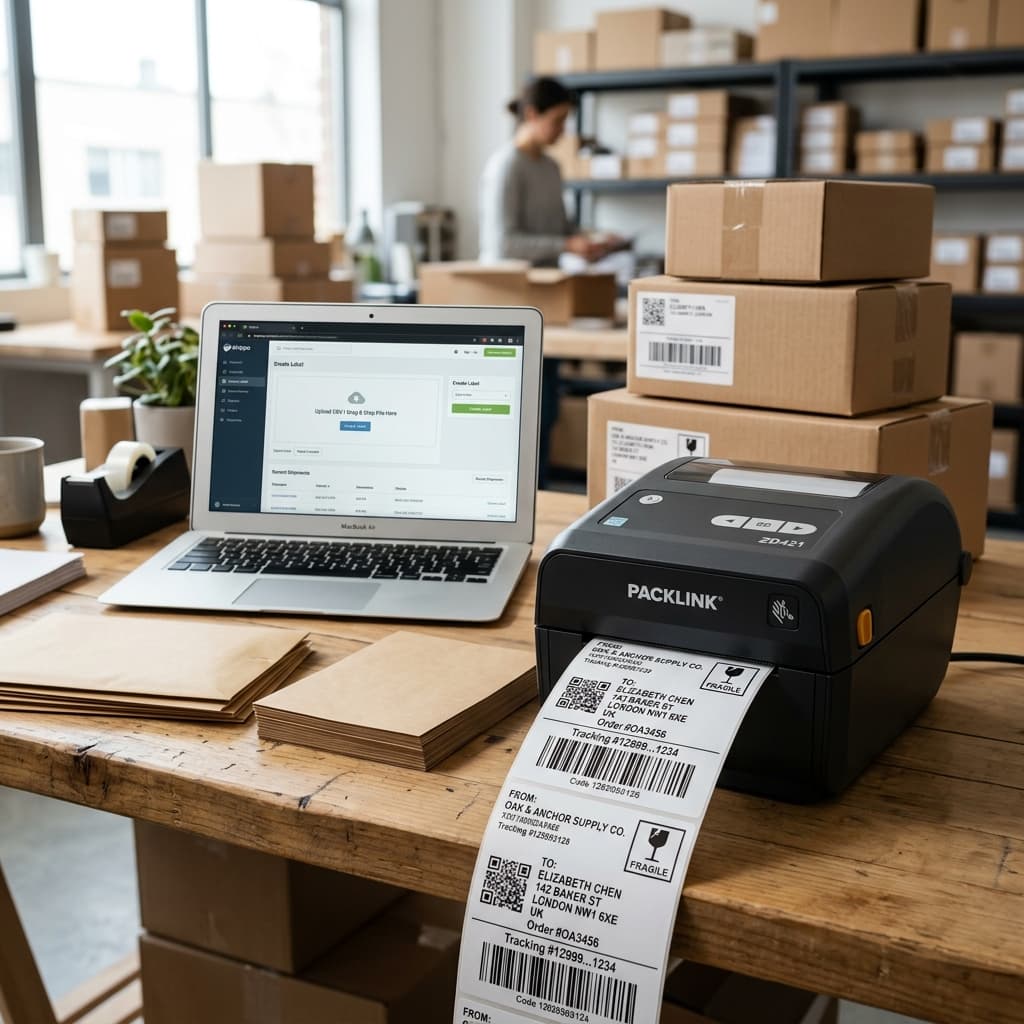
Because marketplaces like Amazon, Flipkart, and Meesho download labels in A4 sheets, sellers must choose a method to resize them for their 4x6 thermal printers.
Let's look at the direct differences between Manual Cropping and Automatic Label Cropping to see which makes the most sense for your business.
Manual Cropping: How It Works and Its Pitfalls
Many starting sellers use manual methods:
- Screenshots (Snipping Tool): Taking a snapshot of each label and saving it as an image to print.
- PDF Editors: Opening PDFs in Adobe Acrobat and using the crop box tool.
- Physical Trimming: Printing A4 sheets on regular paper, cutting them with scissors, and taping them to packages.
Why Manual Cropping Fails to Scale:
- Extremely Slow: Resizing 100 orders manually takes over an hour.
- Inconsistent Quality: Hand-cropped screenshots vary in size, leading to misaligned printing.
- Low-Quality Barcodes: Screenshooting a PDF degrades the resolution, making the barcode fuzzy and unscannable.
- Wasted Labor: Your staff spends time snipping pages instead of packing products.
Automatic Cropping: The Smart Alternative
Automatic cropping tools like Q Crop Label use algorithms to analyze the PDF, locate the exact coordinates of the label content, strip out the margins, and resize the document to 4x6 layout in a fraction of a second.
Key Benefits of Automation:
- Bulk Processing: Upload 100 pages at once and crop them all in under 5 seconds.
- Pixel-Perfect Scaling: Retains vector crispness so barcodes scan instantly.
- Standardized Size: Every label is printed exactly in the center of the 4x6 sticker.
- Zero Software Required: Runs directly inside your browser.
Side-by-Side Comparison: Manual vs. Automatic
| Metric | Manual Crop (Snipping / Scissors) | Automatic Crop (Q Crop Label) |
|---|---|---|
| Time per 50 Labels | 20–30 Minutes | Less than 10 Seconds |
| Barcode Readability | Low (Fuzzy / Shrunk) | 100% Crisp (Vector Preserved) |
| Bulk Processing | Impossible (One-by-one) | Supported (Up to hundreds of pages) |
| Margin of Error | High (Human mistakes) | Zero (Automated detection) |
| Label Wastage | High (Due to scaling errors) | Zero (Perfect alignment) |
Conclusion: Automate to Grow
If you are packing more than 10 orders a day, manual cropping is costing you money in lost time, paper wastage, and delayed courier pickups.
By switching to Q Crop Label, you can automate your shipping label formatting in one click, freeing up time to focus on sourcing, pricing, and growing your online business. Try Q Crop Label today!
About Q Crop Label
Q Crop Label helps 100,000+ Indian e-commerce sellers optimize their shipping workflow. We write about thermal printing, label management, and practical tips to help Amazon, Meesho, and Flipkart sellers save time and money on every order.