
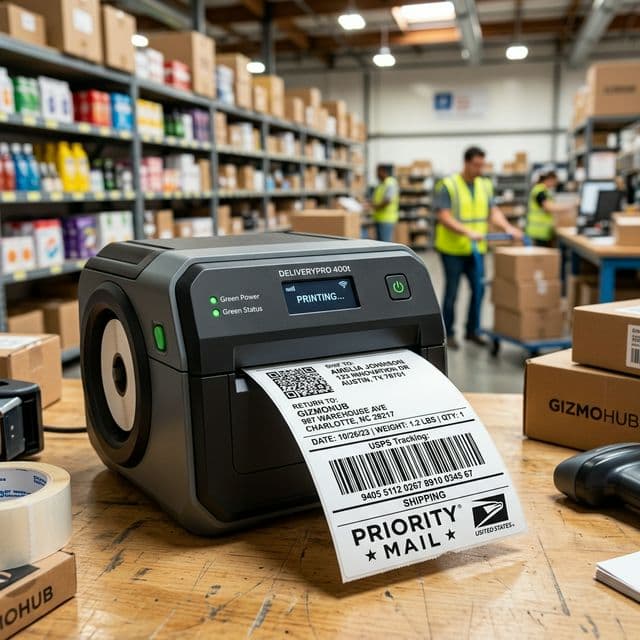
Is your thermal printer slowing down your packing speed? If your shipping labels look bad, it is usually one of these 5 common mistakes.
1. Printing A4 PDFs Directly to 4x6 Paper
The most widespread mistake among Flipkart, Meesho, and Amazon sellers. By forcing a large A4 document to fit onto a 4x6 sticker without cropping, your barcodes will be dangerously squished. Unscannable barcodes mean your package is likely going to be delayed or returned to origin (RTO). *Fix: Always use a dedicated cropping tool to format your shipping labels precisely for 4x6 printing.*2. Using Cheap, Low-Quality Labels
Not all thermal paper is the same. Extremely cheap rolls use low-grade reactive layers that don't respond well to heat. They easily fade under sunlight or warehouse heat, meaning what left your warehouse perfectly scannable might arrive at the destination illegible. *Fix: Invest in reliable label rolls. Test one by scratching it quickly with your fingernail; a good label should instantly produce a dark, sharp line.*3. Ignoring Print Head Maintenance
Over time, paper dust and sticker adhesive accumulate on the thermal print head. This causes white lines streaking across your barcodes or blurry, patchy text. *Fix: Clean your print head! Turn off the printer, let it cool down, and gently wipe the print head with an isopropyl alcohol wipe every time you switch label rolls.*4. Wrong Printer Speed & Density Settings
Many sellers just plug in the printer and go. However, if the labels print too light, the density (heat) might be too low. If the label elements look thick, smudged, or print too slowly, the heat is too high. *Fix: Go to Printer Properties > Preferences and tweak your density/darkness settings. Sometimes slowing down the print speed slightly yields much crisper barcode lines.*5. Dithering vs. Halftone Settings
If your labels look like they're made up of tiny dots rather than solid lines, your driver is trying to print "grayscale" (like a photograph). Barcodes only need solid blacks and pure whites. *Fix: In the printer options under Graphics or Dithering, select "None" or "Solid". This forces the printer to output raw, high-contrast monochrome lines.*You rely on your shipping labels to guide your products perfectly to your customers. Eliminate A4-to-4x6 margin problems using standard crop tools and keep your hardware clean!
Q
About Q Crop Label
Q Crop Label helps 100,000+ Indian e-commerce sellers optimize their shipping workflow. We write about thermal printing, label management, and practical tips to help Amazon, Meesho, and Flipkart sellers save time and money on every order.